Welcome to Veyon
Veyon is a free and open source software for monitoring and controlling computers across multiple platforms. Veyon supports you in teaching in digital learning environments, performing virtual trainings or giving remote support.

Intuitive user interface
Veyon provides an user interface which has been optimized for easy use and fast access to all important features.

Get more out of it.
Veyon comes with many builtin features and can be enhanced easily with powerful commercial add-ons.


Monitor and control.
The classroom is yours.
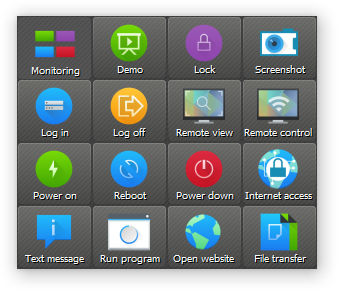
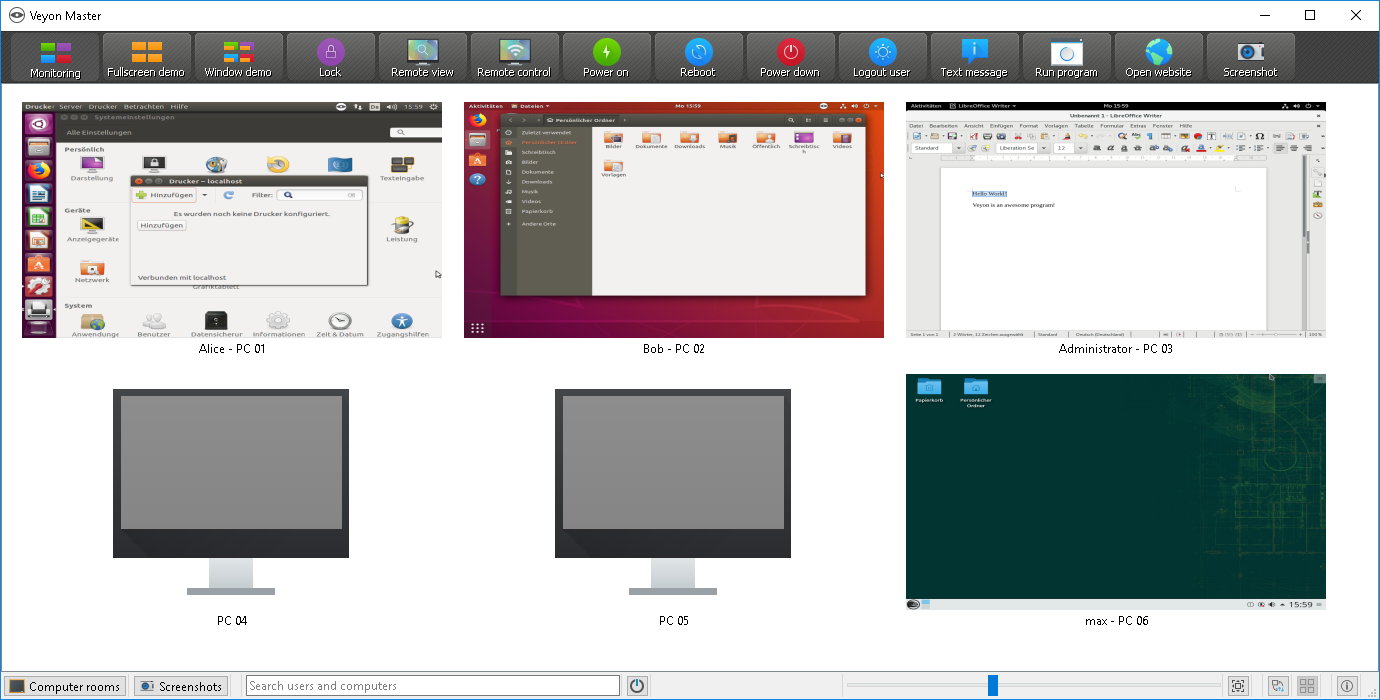
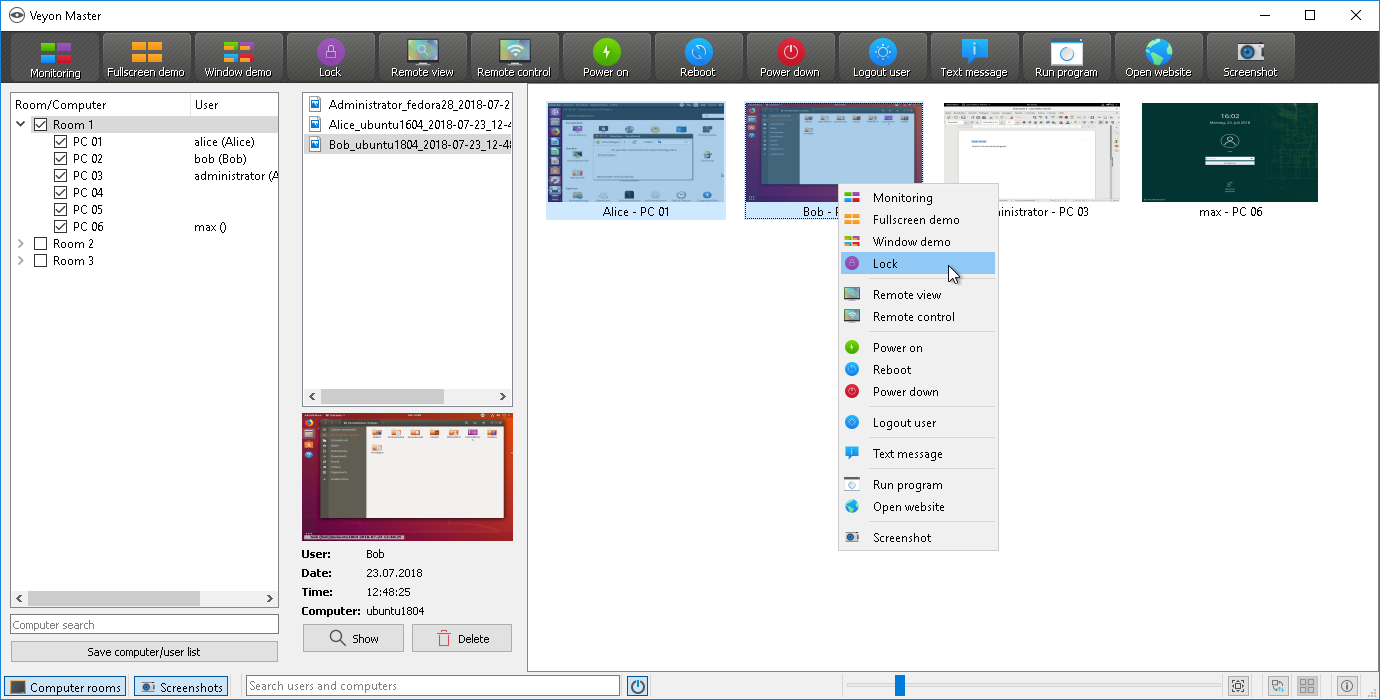
With Veyon you always have full control over your classroom. You can see all computer screens in an icon view and access individual computers with just one click. Taking screenshots of computers is an one-click operation as well. Draw attention to your lesson by locking all computers and blocking input devices with the help of just one button.
Broadcast your screen.
Demonstrate what's important.
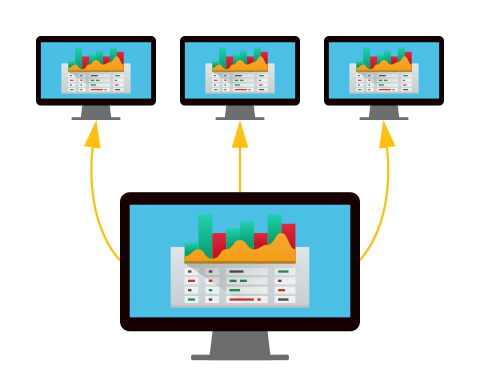
The demo feature allows you to share your (or a student's) screens with all students. This way everyone can watch the screen contents of the presenting person in realtime. There are two demo modes available: In fullscreen mode, all input devices are locked during the presentation. In window mode, users can simultaneously adapt the demonstrated workflow.
File transfer.
Distribute and collect worksheets or tests.
Files of all types can be distributed to users with just a few clicks. Documents such as filled worksheets or tests can be collected from all users and are grouped and stored in your personal folder. No network shares or special permissions are required.

Integrate with your local infrastructure or the cloud.
Builtin LDAP/AD or optional Entra ID support.
Veyon can use the information already stored on your LDAP or ActiveDirectory server. Configure the LDAP module once and computer and location information in Veyon will always be kept up to date automatically. For non-AD environments you can choose between the Entra ID connector add-on or the Network Discovery add-on. Alternatively the builtin directory allows using statically configured computers and locations.

Screenshots
Veyon Master – main application
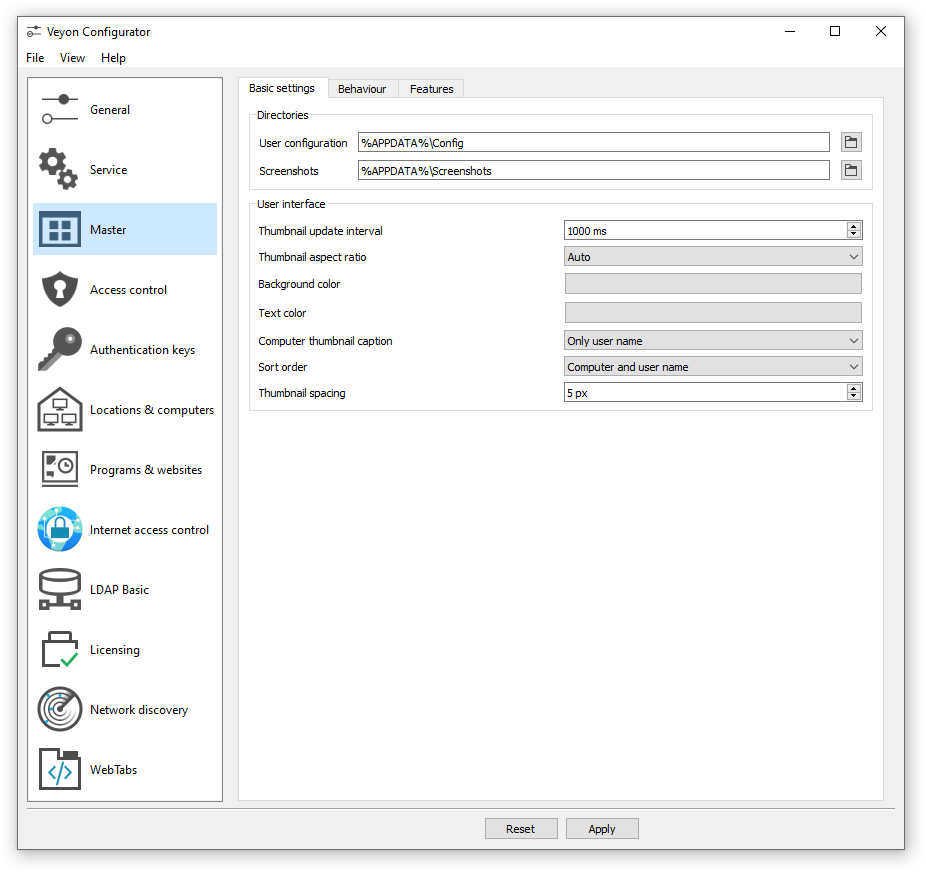
Veyon Configurator – setup and configuration tool
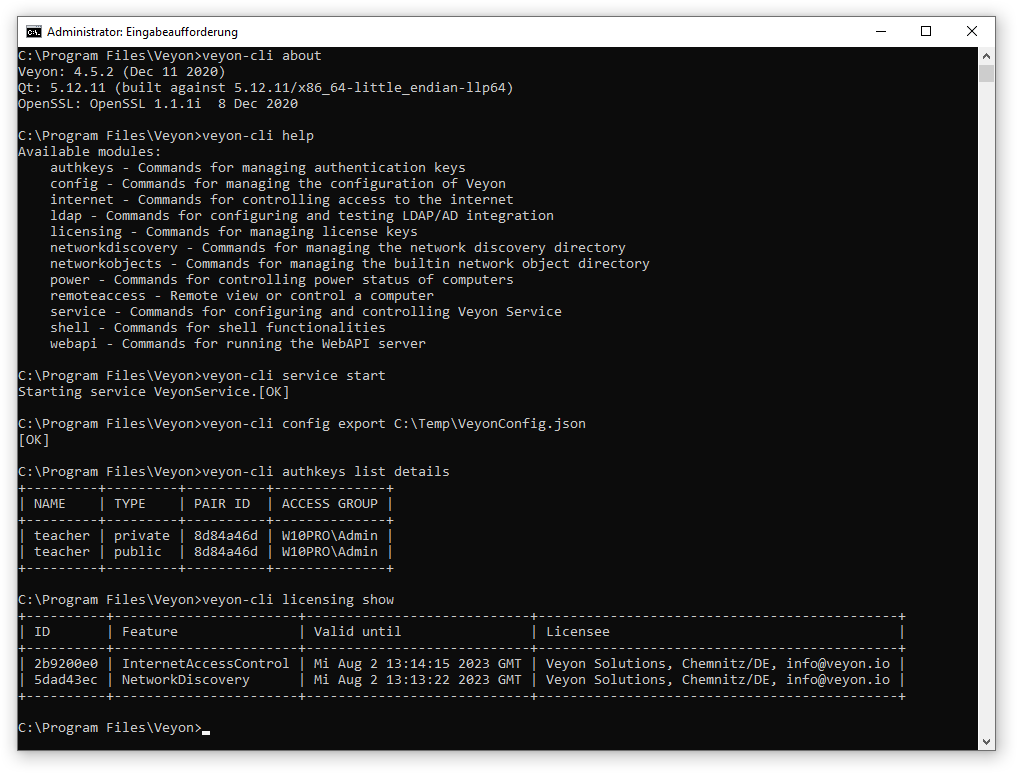
Veyon CLI – command line interface tool